 RoadmapAI
GitHub Issues Feature Requests: How to Manage Them
Manage feature requests in GitHub Issues with issue forms, labels, duplicate handling, reaction voting, and a Projects roadmap. Copy-ready templates included.
You can manage GitHub Issues feature requests in seven moves. Define what counts as a request, collect it with an issue form, label and triage it, close duplicates, let people vote with reactions, group approved items in a GitHub Projects roadmap view, and tell requesters what happened. Below is the full setup, with real templates, and the point where it strains.
I have watched maintainers burn out on this. Requests pile up between bug reports. Three people ask for the same thing in three different words. Nobody can tell what is planned. A clear GitHub feature request workflow fixes most of it, so let's build one.
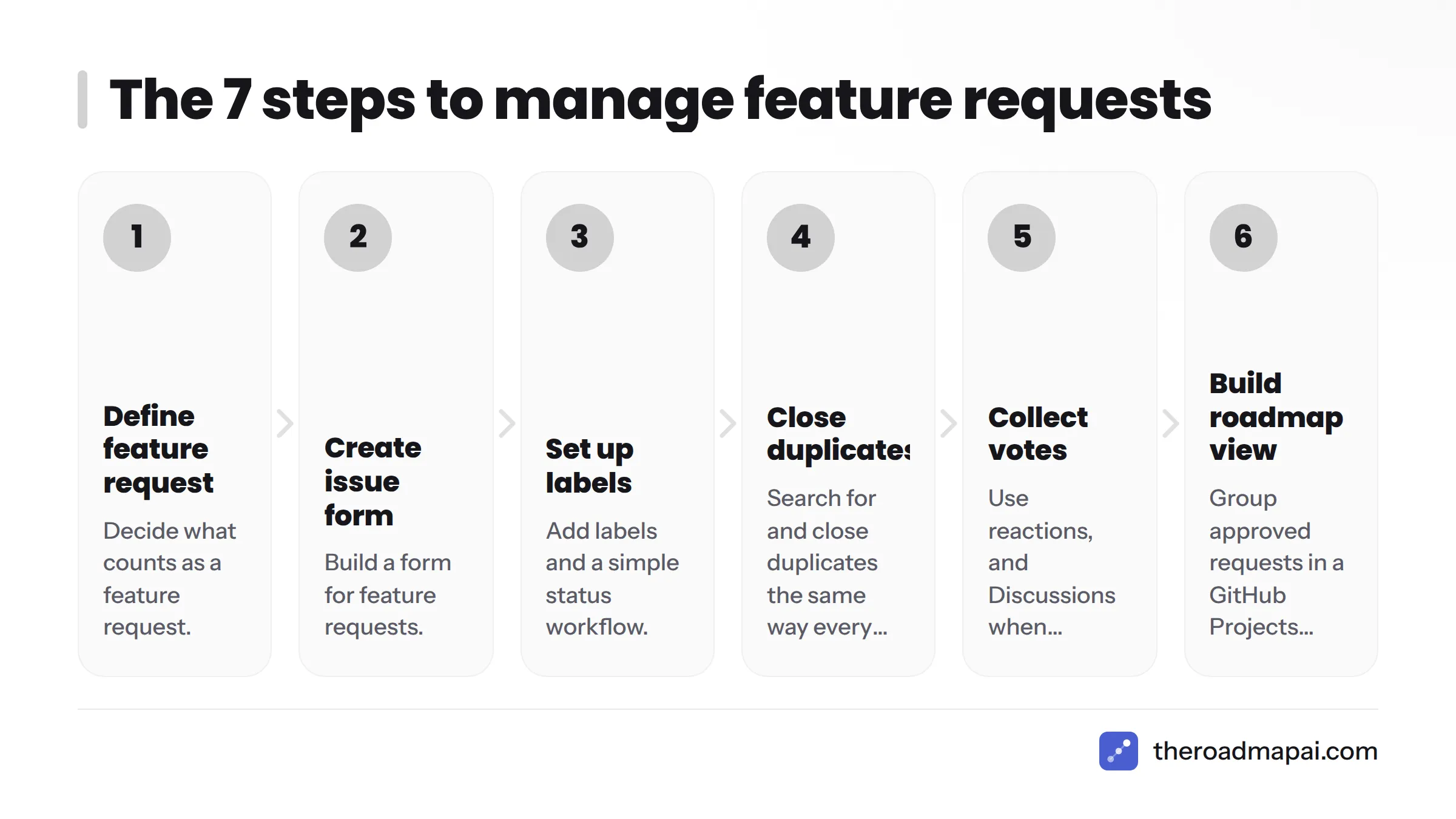
Quick version: the 7 steps
- Decide what counts as a feature request.
- Create an issue form for feature requests.
- Set up labels and a simple status workflow.
- Search for and close duplicates the same way every time.
- Collect votes with reactions (and Discussions when needed).
- Group approved requests in a GitHub Projects roadmap view.
- Close the loop with requesters.
Step 1: Decide what counts as a feature request in GitHub Issues
A feature request proposes new behavior or a change to existing behavior, and it is written around a problem a user has. It is not a defect, and it is not a "how do I" question.
Feature request vs bug vs support question
| Type | Signal | Where it goes |
|---|---|---|
| Bug report | Existing behavior is broken or contradicts the docs | Issue with a bug label |
| Feature request | "I need X, and today I can't do it" | Issue with an enhancement label |
| Support question | "How do I do X?" | Discussions Q&A or your support channel |
Write this split into your contributing guide. GitHub recommends community health files such as CONTRIBUTING and issue templates, so contributors know what you expect before they post.
Issues or Discussions?
Some projects start requests in GitHub Discussions and promote the good ones to issues. Others keep everything in Issues. My rule of thumb: pick Issues for a lean, actionable backlog, and pick Discussions when you want open-ended debate first. Handling GitHub Discussions feature requests well means adding a promote-to-issue step, or good ideas stall in the thread.
| Option | Best for | Weak spot |
|---|---|---|
| GitHub Issues | Small to mid projects, developer audiences, clear backlog | Noisy if undisciplined |
| GitHub Discussions | Early ideas, polls, community debate | Needs a promote-to-issue step |
| External feedback tool | Non-developer users, Discord or Slack communities | Another system to maintain |
Step 2: Create a GitHub feature request template with issue forms
Issue forms are YAML files that render a structured web form. A Markdown template just drops free text into the issue body. A form can mark fields as required and validate them. Put the file in .github/ISSUE_TEMPLATE/.
A YAML issue form you can copy
name: Feature request
description: Suggest an improvement or new capability
title: "[Feature]: "
labels: ["enhancement", "needs-triage"]
body:
  - type: markdown
    attributes:
      value: "Search existing issues first. If one exists, add a 👍 instead of opening a new one."
  - type: textarea
    id: problem
    attributes:
      label: What problem are you trying to solve?
      description: Describe the situation, not the solution.
    validations:
      required: true
  - type: textarea
    id: proposal
    attributes:
      label: Proposed solution
    validations:
      required: true
  - type: textarea
    id: alternatives
    attributes:
      label: Alternatives you considered
  - type: dropdown
    id: affected
    attributes:
      label: Who is affected?
      options:
        - Just me
        - My team
        - Most users of this project
    validations:
      required: true
Required fields that make requests usable
- Problem: stops people from posting only a solution, which hides the real need.
- Proposal: gives you something concrete to react to.
- Alternatives: shows whether workarounds exist.
- Who is affected: gives a rough scope signal before any votes arrive.
The labels key applies enhancement and needs-triage automatically, which sets up Step 3.
Step 3: Set up GitHub issue labels for feature requests
Keep the set small. GitHub documents managing labels and ships defaults such as enhancement, duplicate, help wanted, good first issue, and wontfix. Add a few status labels on top.
A minimal label set
| Label | Meaning | Who applies it |
|---|---|---|
enhancement |
It is a feature request | Issue form (automatic) |
needs-triage |
Nobody has reviewed it yet | Issue form (automatic) |
planned |
Accepted, will be built | Maintainer |
in progress |
Someone is working on it | Assignee or maintainer |
help wanted |
Welcome community contribution | Maintainer |
declined |
Will not build, reason given | Maintainer |
duplicate |
Same as another issue | Maintainer |
Remove needs-triage the moment a maintainer makes a call. A filter for label:needs-triage then becomes your inbox.
Step 4: Close duplicate GitHub issues consistently
Duplicates split your demand signal. Merge it.
A repeatable duplicate routine
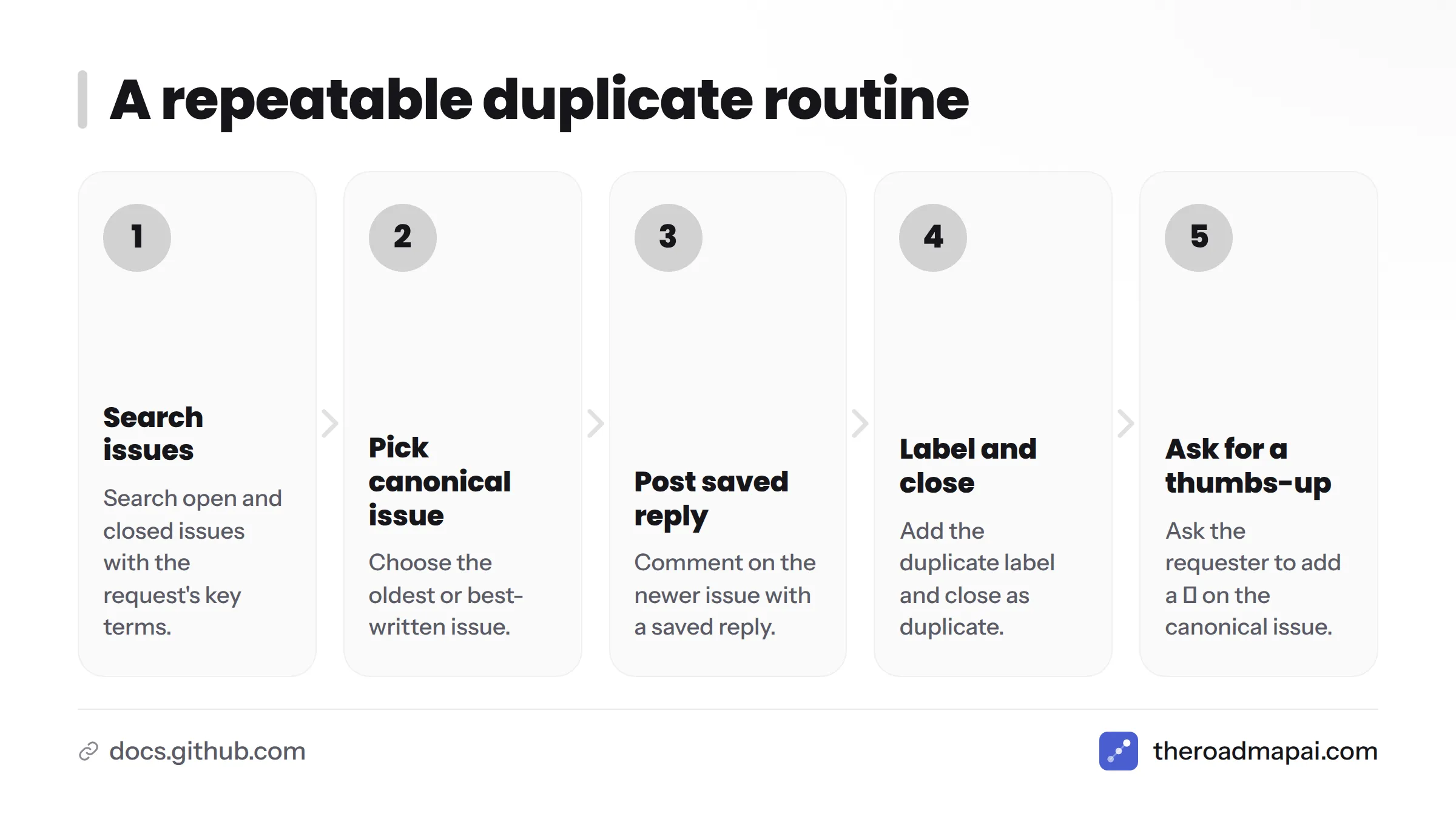
- Search open and closed issues with the request's key terms.
- Pick the oldest or best-written issue as the canonical one.
- Comment on the newer issue with a saved reply.
- Add the
duplicatelabel and close it as a duplicate. - Ask the requester to add a 👍 on the canonical issue.
Saved reply: "Thanks for the suggestion. This matches #123, so I'm closing this one to keep votes and discussion in one place. Please add a 👍 there and share any extra context in a comment."
GitHub lets you store saved replies, so the whole routine takes seconds.
When to auto-close with a stale workflow
The actions/stale GitHub Action marks and closes inactive issues on a schedule. I would use it for issues waiting on a reply from the requester. I would not use it on well-voted feature requests, because closing a request with 80 thumbs-up reads as a slap in the face. Exempt labels such as planned and help wanted, and give a generous warning window.
Step 5: Collect reaction votes on GitHub issues
GitHub supports emoji reactions on issues and comments. Most communities treat 👍 as a vote, so reaction votes on GitHub issues become your first demand signal.
Sorting issues by 👍 reactions
On the Issues tab, open the sort menu and choose the 👍 option under "Most reactions", or type sort:reactions-+1-desc into the search box. Combine it with a label filter, for example is:open label:enhancement sort:reactions-+1-desc, to see your most-wanted open requests.
Limits of reaction votes
- Voters need a GitHub account, so non-developers rarely vote.
- Reactions are a rough signal. They don't tell you who voted or how badly they need the feature.
- Popularity can reflect who is loudest, not who is most affected.
Treat votes as one input and read the comments too. For choosing between requests, see our guide to feature prioritization frameworks.
Step 6: Use a GitHub Projects roadmap view
GitHub Projects is a planning layer that pulls in issues and lets you add fields and switch views. It is what turns GitHub Issues into a roadmap.
Board, table and roadmap layouts compared
| Layout | Shows | Use it for |
|---|---|---|
| Board | Kanban columns by a field such as Status | Day-to-day workflow |
| Table | Spreadsheet of issues and custom fields | Triage, sorting, bulk edits |
| Roadmap | Timeline using date or iteration fields | Showing what ships when |
Milestones and custom fields
Add a single-select Status field (Triage, Planned, In progress, Shipped) and an iteration or text field for the quarter. Milestones still work well for tying requests to a release, and they come with a built-in progress bar.
Public vs private repositories
Visibility follows the repository and the project settings. Anyone can read a public repository's issues, and you can make a project public or keep it private. In a private repository, only people with access see the issues. Check your project's access settings before you share a link. For a full walkthrough of publishing a roadmap, see building a public roadmap step by step. Teams that track work in Linear can compare notes in handling feature requests in Linear.
Step 7: Close the loop with requesters
People forgive a "no." They don't forgive silence.
Reply templates
- Planned: "We've accepted this and added it to the roadmap for next quarter. Subscribe to this issue for updates."
- Shipped: "This landed in v2.4. Thanks for pushing for it. Let us know if it misses anything."
- Declined: "We've decided not to build this because it conflicts with X. Here is a workaround, and we're happy to revisit if the situation changes."
Linking issues to releases
Put Closes #123 in the pull request description so the issue closes on merge, and list issue numbers in your release notes. GitHub cross-links them for you. If you want a standalone place to publish updates, see these changelog tools.
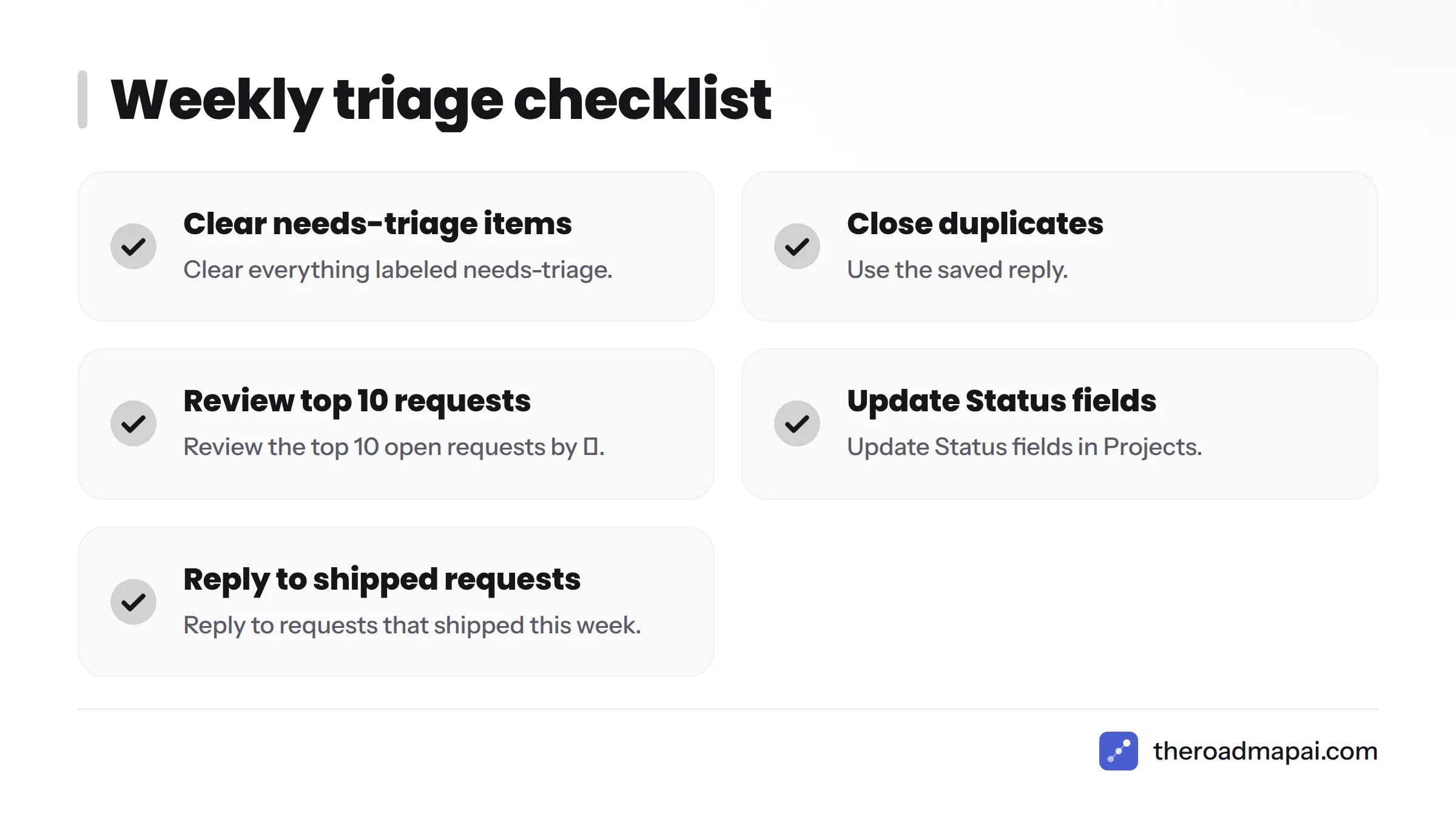
Weekly triage checklist:
- Clear everything labeled
needs-triage - Close duplicates with the saved reply
- Review the top 10 open requests by 👍
- Update Status fields in Projects
- Reply to requests that shipped this week
Where GitHub Issues breaks down when feedback lives in Discord
I work with communities where the real conversation happens in Discord. Here is what I see again and again:
- Requests never reach issues. Someone says "it'd be great if..." in a channel, three people agree, and it scrolls away.
- Duplicates arrive in new wording. Search can't catch them, because nobody searched.
- Non-developers cannot vote. Players, customers and moderators often have no GitHub account.
- Maintainers copy and paste by hand. It works for a week, then stops.
Signs you have outgrown Issues as your only intake:
- Most feedback arrives outside GitHub
- Your voters are mostly non-developers
- You re-type the same requests into issues
- Nobody outside the repo can see what is planned
If you checked two or more, add an intake layer rather than abandoning GitHub. Our guide to collecting feature requests from Discord covers the capture side.
Next steps if your community isn't on GitHub
Your options, in order of effort:
- Keep GitHub Issues for engineering work and capture community requests elsewhere first.
- Browse roadmap tools for open source projects.
- Review RoadmapAI integrations for feedback tools to see how requests can flow between systems.
If your backlog already lives in GitHub, RoadmapAI's GitHub roadmap integration is worth a look. RoadmapAI also offers a 7-day free trial, so you can test it on your own community.
FAQ
How do you manage feature requests in GitHub Issues?
Use an issue form to collect structured requests, apply labels for type and status, close duplicates into one canonical issue, rank by 👍 reactions, and group accepted items in a GitHub Projects roadmap view. Then reply to requesters when status changes.
Should feature requests be GitHub Issues or Discussions?
Choose Issues for a lean, actionable backlog. Choose Discussions when you want open debate or polls before committing. Many projects start in Discussions and convert promising ideas into issues.
How do I create a feature request template in GitHub?
Add a YAML file such as feature_request.yml to .github/ISSUE_TEMPLATE/ in your repository, using the form syntax shown in Step 2. GitHub renders it as a form when someone clicks New issue.
How do I sort GitHub issues by most 👍 reactions?
Use the sort menu on the Issues tab, or add sort:reactions-+1-desc to the search query. Pair it with label:enhancement to see only feature requests.
Can non-developers vote on GitHub issues?
Only if they have a GitHub account. That is the main reason communities on Discord or Slack struggle to use reactions as votes.
Can I show my GitHub Projects roadmap publicly?
Yes. You can make a project public in its settings, and its roadmap layout then shows timelines to anyone with the link. Confirm that the linked issues sit in public repositories, since items from private repositories stay restricted.
Should I close feature requests I won't build?
Yes, with a clear reason and a declined label. An honest "no" keeps the backlog trustworthy and saves requesters from waiting on something that will never ship.
What do I do when feature requests come in via Discord?
Capture them in one place before they scroll away, merge duplicates, and let non-developers vote outside GitHub. Then sync the accepted ones into issues. The Discord section above explains the failure modes.
Sources
- Syntax for issue forms, GitHub Docs
- Setting up your project for healthy contributions, GitHub Docs
- About Discussions, GitHub Docs
- Managing labels, GitHub Docs
- About saved replies, GitHub Docs
- actions/stale, GitHub
- Basic writing and formatting syntax (reactions), GitHub Docs
- About Projects, GitHub Docs
- About milestones, GitHub Docs