 RoadmapAI
Intercom Feature Requests: Separate Them From Support
Learn how to spot feature requests hiding in Intercom support chats. Tag, capture, merge duplicates, and route them to your roadmap in 8 simple steps.
To separate feature requests from support conversations in Intercom, sample recent conversations, tag each one as request, bug or chatter, capture the request with customer context, merge duplicates, and route the result to your roadmap. Then tell the customer what happens next.
A quick note before we start. If you meant Intercom's own Product Wishlist, where customers ask Intercom for new features, that lives in the Intercom Community. This guide covers the Intercom feature requests that land in your inbox, the ones that never reach a wishlist because they look like support questions.
I've watched this play out many times. A customer writes, "Can I export this to CSV?" A teammate says "not yet," closes the conversation, and the signal vanishes. Multiply that by a few hundred conversations a month and your product team is building blind. Here is how to fix it.
What Counts as a Request, a Bug, or Plain Support
Use these definitions throughout the workflow. The support vs feature request line is simple to state: if the customer describes behavior your product does not offer, it is a request, no matter how the sentence is phrased.
| Type | Definition | One-line example |
|---|---|---|
| Feature request | The customer wants a capability the product does not have | "I wish I could schedule these reports." |
| Support conversation | The customer needs help with something that already works | "Where do I find my invoice?" |
| Bug report | The product is not behaving as designed | "The export button spins forever." |
| Chatter | Greetings, thanks, or noise with no actionable ask | "Thanks, that worked!" |
The Eight Steps at a Glance
- Pull a sample of recent conversations and tag them by type.
- Learn the signals that mark a request.
- Split messages into request, bug and chatter.
- Handle hard cases phrased as how-to questions.
- Capture the request with customer context.
- Merge duplicates and keep every requester attached.
- Route to the roadmap and reply to the customer.
- Review the split on a schedule.
Step 1: Pull a Sample of Recent Conversations and Tag Them by Type
Start small and manual. You need a feel for your own data before you automate anything.
Choose a sample window and size
Open the Intercom inbox and pull the last two weeks of closed conversations. Aim for roughly 50 to 100. That is enough to see patterns without turning the task into a project. If your volume is low, widen the window instead of lowering the target.
Create a simple tag set
Intercom lets teammates apply conversation tags, and Intercom Help Center, Intercom explains how. Keep the set tiny so your team actually uses it. A small set is the backbone of any Intercom tag feature requests routine.
| Tag | Meaning |
|---|---|
request |
A capability the product lacks |
bug |
Behavior that contradicts the design |
chatter |
No actionable ask |
support |
Help with existing functionality |
If you want your team to tag feature requests in Intercom consistently, a four-tag set beats a twenty-tag taxonomy every time.
Step 2: Learn the Signals That Mark a Support-Looking Message as a Request
Requests rarely announce themselves. Train your eye on these signals:
- Desire for a capability. "I wish," "it would be great if," "we need."
- A described workaround. "Right now I copy everything into a spreadsheet."
- "Is there a way to...?" Often the answer is no.
- Comparison to other tools. "Our old tool let us do this."
- Repeated friction. The same complaint across several conversations.
Here are sample messages of the kind a detection pipeline sees, including the one we run at RoadmapAI:
| Message | Looks like | Actual type | Signal |
|---|---|---|---|
| "Can I export this to CSV?" | Support | Request | Capability question, answer is no |
| "Is there a way to set reminders per project?" | Support | Request | "Is there a way" |
| "The CSV export keeps timing out." | Request | Bug | Existing feature failing |
| "Love the new layout, thanks!" | Feedback | Chatter | No ask |
This is where intent-based detection beats keyword matching. The word "export" appears in the first three rows, but only one is a bug. The other two are requests.
Step 3: Split Messages into Request, Bug and Chatter
Ask three questions in order:
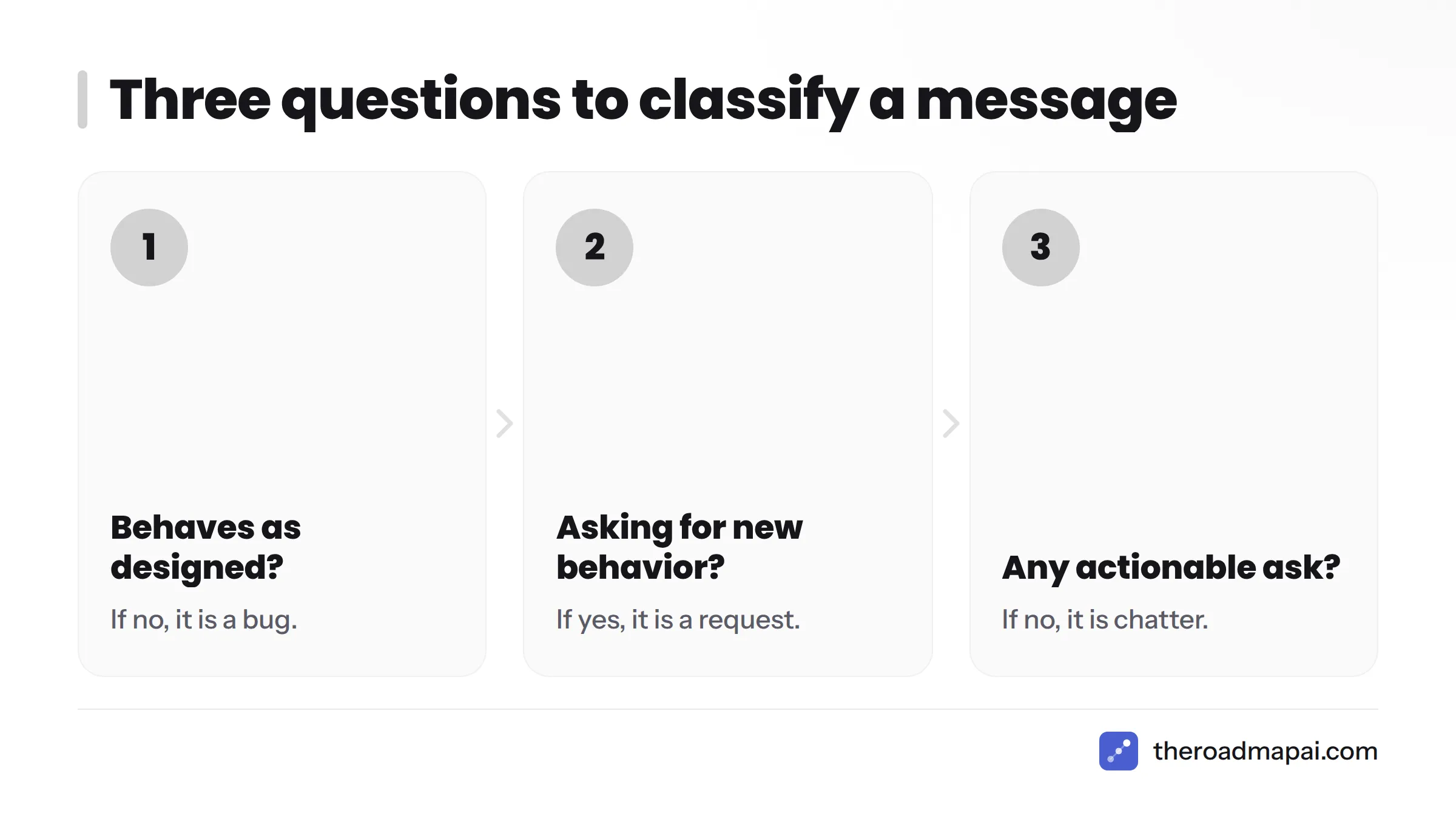
- Does the product behave as designed? If no, it is a bug.
- Is the customer asking for new behavior? If yes, it is a request.
- Is there an actionable ask at all? If no, it is chatter.
Sometimes the answer to question one is "yes, as designed, but the design is the problem." Treat that as a request. We have a separate guide on telling a bug from a feature request in more depth. For a first pass, three questions are enough.
Step 4: Catch Requests Phrased as How-To Questions
This is where most feature requests in support tickets get lost. Let's break it down.
"Can I...?" and "Is there a way to...?"
Check whether the capability exists. If your answer is "no, but here is a workaround," tag it request. The question was a request wearing a support costume. Tag it even when you solve the immediate problem.
A request tucked inside a complaint
"This is so slow, and why can't I filter by date?" contains two things. The first is a possible bug or performance issue. The second is a request. Don't let the emotional tone bury the ask.
One conversation with two types
Apply both tags. Better still, log the request and the bug as separate items so each one reaches the right team. A single conversation can feed support, engineering and product at once.
Step 5: Capture the Request with Customer Context Before You Close the Conversation
Capture first, then close. Once a conversation is archived, nobody goes back for the details. Record:
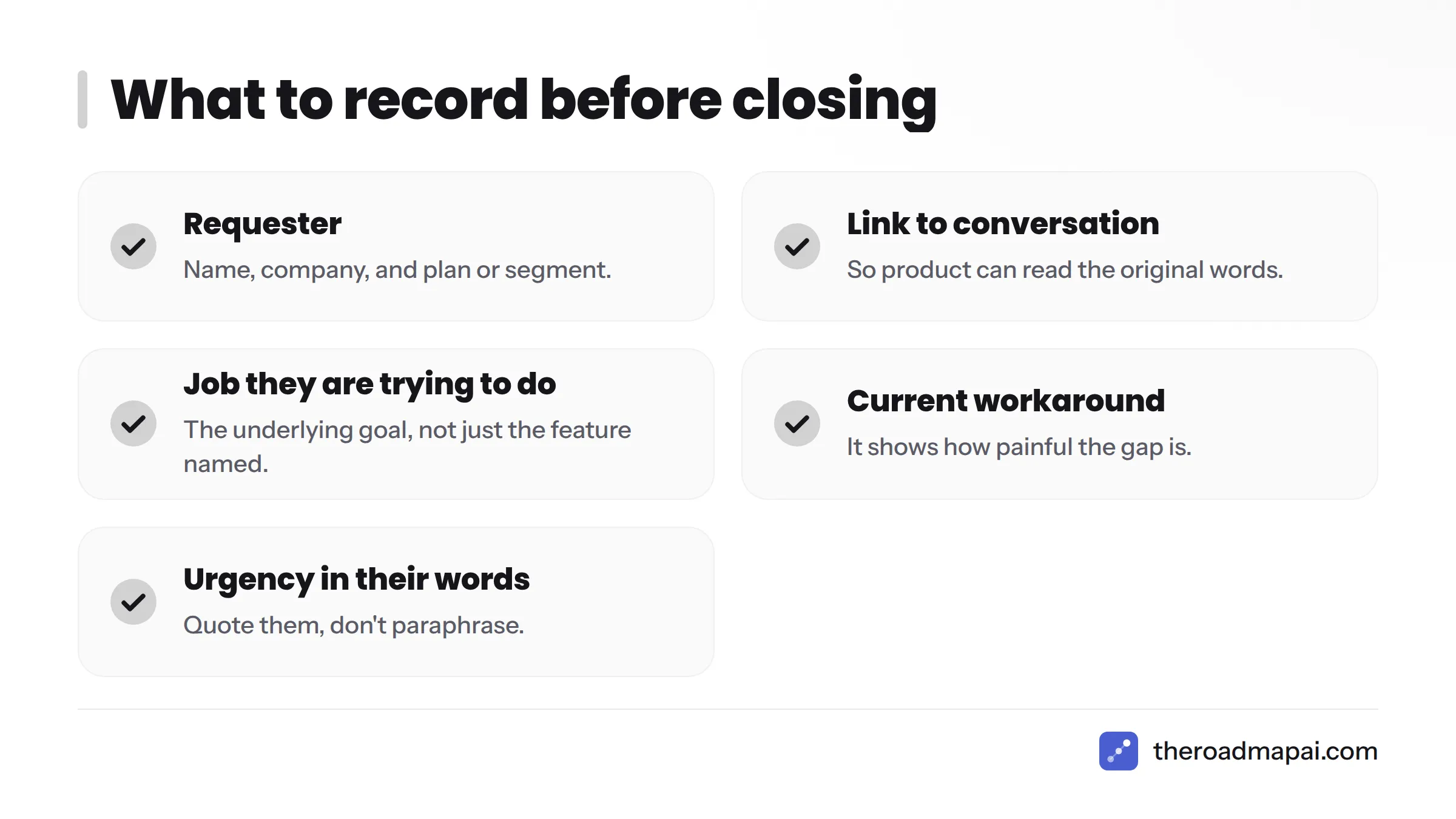
- Requester: name, company, and plan or segment
- Link to the conversation: so product can read the original words
- The job they are trying to do: the underlying goal, not just the feature they named
- Current workaround: it shows how painful the gap is
- Urgency in their own words: quote them, don't paraphrase
That context is what lets product weigh a request later. "Export to CSV" is thin. "Finance lead on an annual plan rebuilds this report by hand every Friday" is a story.
Step 6: Merge Duplicates into One Request and Keep Every Requester
Customers ask for the same thing in different words. Imagine three messages:
- "Can I export to CSV?"
- "Is there any way to download my data as a spreadsheet?"
- "We need to get this into Excel for our auditors."
That is one request with three requesters. Merge them into a single item titled by the underlying need, and keep all three names attached. The requester count is your demand signal, and losing it makes every request look like a one-off. For the bigger picture, see our guide on tracking feature requests at scale.
Step 7: Route Requests from Support to Product and Reply to the Customer
The support to product handoff
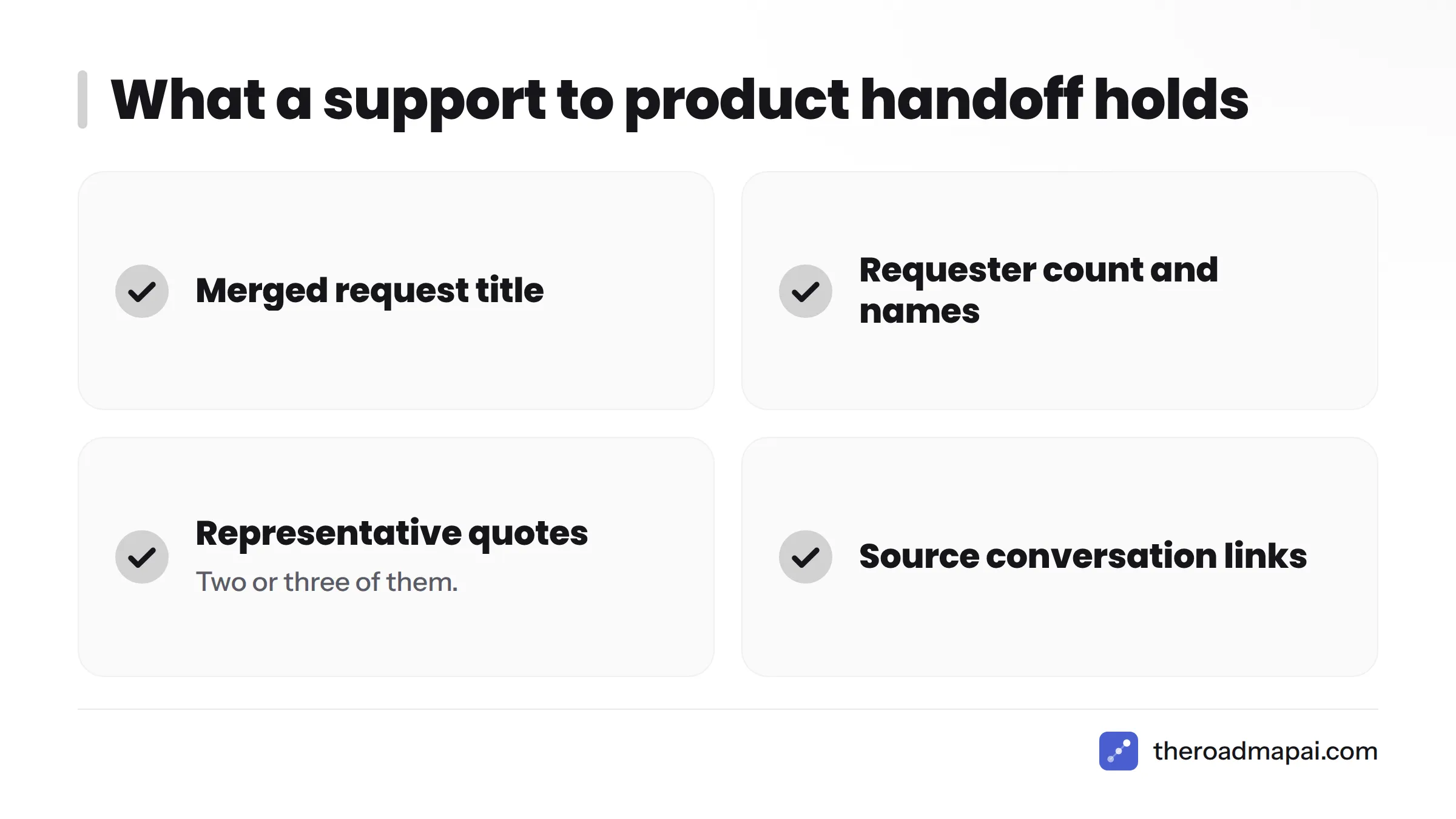
A clean support to product handoff contains four things: the merged request title, the requester count with names, two or three representative quotes, and links to the source conversations. Send it on a regular rhythm rather than one request at a time. To see how one product structures this intake, look at a feature request tool.
Customer reply template
Acknowledge, don't promise. Try this:
Thanks for flagging this. You're right that we don't offer it today. I've logged it with your details so our product team can see who is asking. I can't promise a timeline, but if it moves forward, we'll let you know.
Never say "we'll build it" unless product has committed. Honest replies protect trust.
Using Intercom? RoadmapAI is built to take requests from help-desk conversations into one reviewable list. See the Intercom feature request integration, browse all RoadmapAI integrations, or check the Zendesk feature request integration if your team supports customers there. Plans start at $19 a month with a 7-day free trial on the pricing page.
Step 8: Review the Split on a Schedule and Fix Misclassifications
Classification drifts. Review it every two weeks at first, then monthly once things settle. Keep a short misclassification log with three columns: the message, the tag it got, and the tag it should have gotten. Every entry teaches you a new signal. Feed those back into the list from Step 2, and your team's accuracy climbs without extra training.
To keep low-value asks away from product, send only merged requests with real context. Hold one-off items until a second requester appears.
FAQ
Can Intercom separate feature requests from support automatically?
Intercom gives you conversation tags and an inbox where your team applies them. This guide does not assume Intercom detects requests on its own. A separate detection step, manual or automated, does the classifying.
Should every feature request become a roadmap item?
No. Log every request, but promote only the ones with clear demand and context. The rest stay in the backlog as evidence.
What should I tell a customer who asks for a feature?
Thank them, confirm it does not exist yet, say you've logged it, and avoid promising a date. Use the reply template in Step 7.
How do I handle duplicate requests?
Merge them into one item named for the underlying need and keep every requester attached, as shown in Step 6.
Where do I send requests that arrive in Zendesk instead?
The workflow is the same: tag, capture, merge and route. Our Zendesk feature request integration page covers that setup.