 RoadmapAI
How to Track Slack Feature Requests in 6 Steps
Stop losing ideas in Slack. Set up one intake path, a Slack List, dedupe, prioritization and loop-closing in 6 steps, running in about 15 minutes.
Slack feature requests get lost because Slack is built for conversation, not for tracking. A message scrolls away, a thread goes quiet, and the same idea shows up three times in three channels. The fix is a six-step system: pick one intake path, structure each request in a Slack List, merge duplicates, prioritize, tell people what happened, and know when to move to a dedicated tool. You can have a first version running in about 15 minutes.
Looking to send a request to Slack itself? Jump to that section.
TL;DR: the 6 steps
- Pick one intake path (a single channel plus a form or a request emoji).
- Build a feature request List with fixed fields.
- Dedupe and merge into one canonical request.
- Prioritize with RICE or value vs effort.
- Close the loop with a reply every time the status changes.
- Review on a cadence, and graduate to a dedicated tool when Slack stops scaling.
What "Slack feature requests" means (and which one you need)
Slack feature requests are product ideas or change requests posted in Slack by customers, community members, or teammates. Each one needs to be captured, deduplicated, prioritized, and answered. Good feature request management means moving every request out of a chat message and into a structured list with an owner and a status.
The phrase carries two meanings, so let's sort out yours first.
Requests your customers or team post in Slack
Most of this guide serves this meaning. Your sales team pastes a customer quote into #sales. A customer in a shared channel asks for an export button. A teammate drops "we should really support SSO" into #general. These are feature requests arriving in Slack, and they need a home.
Requests you want to send to Slack itself
Maybe you want Slack to change something. That is a different job with a different audience. I cover it near the end, including how to write a request that gets read.
Why customer feedback in Slack disappears
I have watched this happen on more than one team. Someone posts a great idea, three people react with a thumbs-up, and six weeks later nobody can find it. Slack did what it was designed to do: keep the conversation moving.
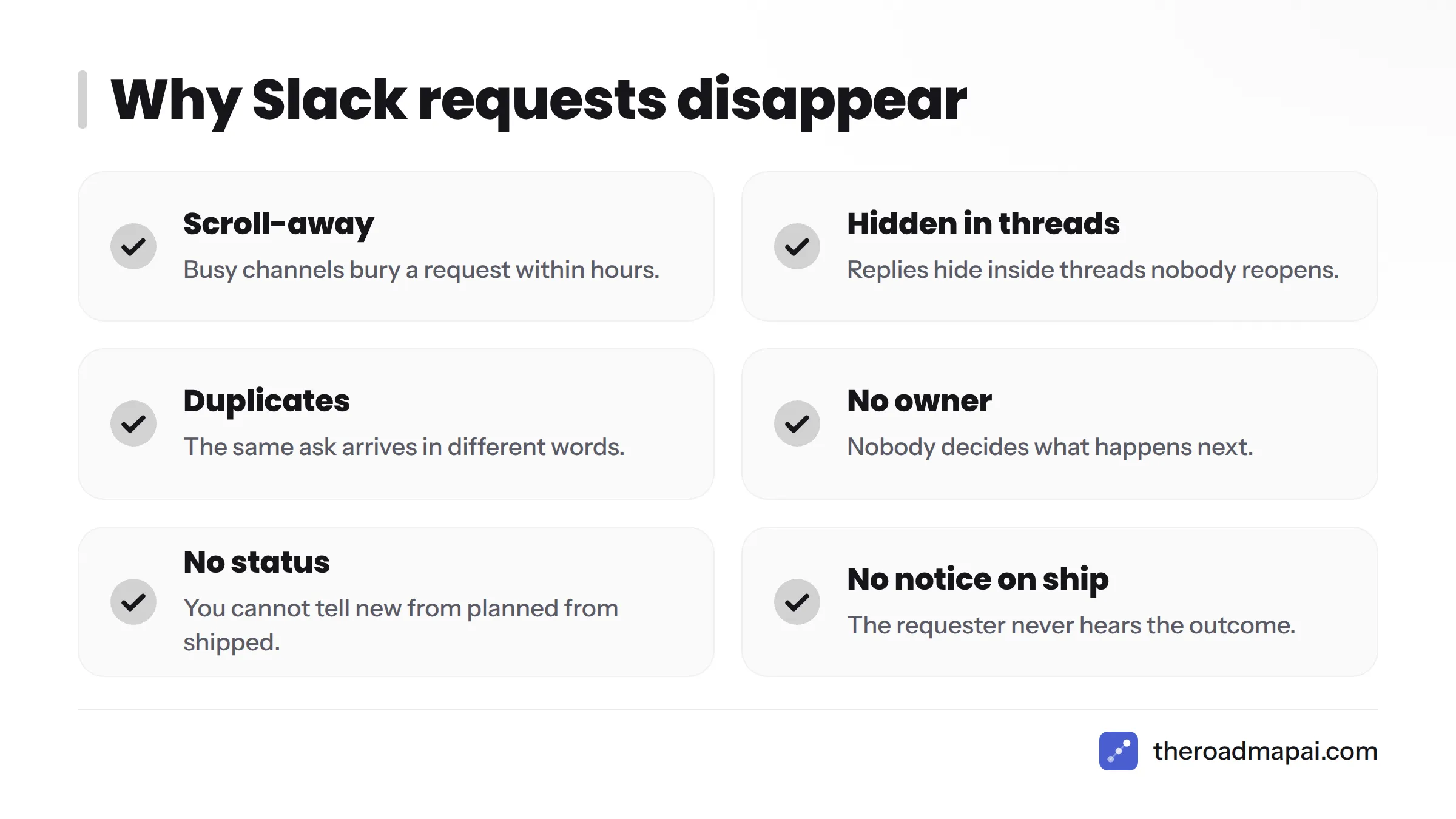
Here is why requests vanish:
- Scroll-away. Busy channels bury a request within hours.
- Threads. Replies hide inside threads that nobody reopens.
- Duplicates. The same ask arrives in different words from different people.
- No owner. Nobody decides what happens next.
- No status. You cannot tell "new" from "planned" from "shipped."
- No notification on ship. The requester never hears the outcome.
Slack's pricing page also lists message history limits on its free plan, so on a free workspace old requests can become unreachable entirely. Check your plan's current retention terms before you treat channel history as a record.
Use this table to diagnose your own workspace:
| Symptom | Likely cause | Fix |
|---|---|---|
| Same idea posted repeatedly | No searchable canonical request | Step 3: canonical thread and tag rule |
| Nobody knows what is planned | No status field | Step 2: add a Status column |
| Requests vanish after a week | Chat used as storage | Step 2: move each request into a List |
| Requesters keep asking "any update?" | No loop closing | Step 5: reply templates |
| Team argues about what matters | No scoring method | Step 4: RICE or value vs effort |
| Channel is noisy and ignored | Bugs, chatter and ideas mixed | Step 1: one dedicated intake path |
How to track feature requests in Slack: 6 steps
This is the system itself. Each step includes a Slack-native action you can take today.
Step 1: Pick one intake path
Choose one front door and tell everyone about it. I recommend a dedicated #feature-requests channel as your Slack feature request channel, with one of two entry methods:
- A form. Build a Slack Workflow Builder feature request form with Workflow Builder. Anyone can trigger it from the channel, it asks a few fixed questions, and it posts a clean message.
- A request emoji. Agree on one reaction (for example 💡) that means "log this as a request." A teammate then converts the message into a List item.
Pick the form if requesters are customers or less-trained teammates. Pick the emoji if your team is small and moves fast.
A simple channel structure keeps things tidy:
| Channel | Purpose |
|---|---|
| #feature-requests | The only intake point for new ideas |
| #feature-triage | Private, for the weekly review (team only) |
| #shipped | Read-only announcements of released requests |
Pin a short message in #feature-requests that says what belongs there, what does not (bugs go elsewhere), and how to submit. That pinned message turns the channel into a working Slack feedback channel instead of a general dumping ground.
Step 2: Build a feature request List in Slack Lists
Slack Lists track items in a structured table inside Slack. Slack's own documentation walks through a request tracker template aimed at help requests, and you can adapt the same pattern for product feedback. The result is a Slack feature request tracker that lives where your team already works.
To create the list:
- Create a new List in Slack and start from the request tracker template, or start blank.
- Rename and edit the fields to match the schema below.
- Add a form automation through Workflows so submissions land as new rows.
- Share the List with your triage channel.
Menu names change over time, so confirm each click against Slack's current Help Center as you build.
Here is a schema you can copy:
| Field | Type | Purpose |
|---|---|---|
| Request | Text | One-sentence description of the ask |
| Requester | Person or text | Who asked, so you can reply later |
| Source link | Link | Permalink to the original Slack message |
| Category | Select | Integration, UI, Reporting, Admin, Other |
| Votes | Number | Count of distinct requesters |
| Impact | Select | Low, Medium, High |
| Status | Select | New, Under review, Planned, Shipped, Not planned |
Stick to seven fields. Every extra column is one more thing people skip.
If you would rather watch an automation get built from scratch, this short walkthrough shows form entries flowing into Slack using Make:
Step 3: Dedupe and merge
Duplicates quietly wreck a tracker. Five people asking for "dark mode," "night theme," and "a darker UI" are one request, not five.
Use this manual routine:
- Search first. Before adding a row, search the List and the channel.
- Pick a canonical item. The oldest, clearest row wins.
- Tag the rest. Reply to duplicate messages with "Merged into" and a consistent tag such as
dup:. - Tally the votes. Add each new requester's name to the canonical row and bump the Votes count.
- Never delete. Keep the source links so you can notify everyone later.
Manual merging works until volume grows. Differently worded asks are the hard part, because keyword search misses them. AI classification can group requests by meaning rather than exact words, and it can separate real feature requests from bugs and casual chatter. To see how that works, read about AI feedback tools for product teams, or browse feature request tools built around the idea.
Step 4: Prioritize
Once requests are clean, score them. Two simple methods cover most teams.
RICE came out of the product team at Intercom. It scores Reach, Impact, Confidence, and Effort with the formula (Reach × Impact × Confidence) ÷ Effort. Intercom's original RICE article explains the scales.
Value vs effort is faster. Plot each request as high or low value and high or low effort, then start with high value, low effort.
Here is a worked example. The numbers are illustrative, not real data. Reach is users per quarter, Impact uses a 0.25 to 3 scale, Confidence is a percentage, and Effort is person-months.
| Request | Reach | Impact | Confidence | Effort | RICE score |
|---|---|---|---|---|---|
| CSV export | 400 | 1 | 80% | 1 | 320 |
| SSO login | 120 | 3 | 70% | 3 | 84 |
| Dark mode | 600 | 0.5 | 90% | 2 | 135 |
| Slack notifications | 300 | 2 | 80% | 1 | 480 |
| Custom domain | 80 | 1 | 50% | 2 | 20 |
Slack notifications rank first at 480 because the effort is low and the reach is decent. Custom domain ranks last. Treat a score as a conversation starter, not a verdict, and override it when strategy demands.
Step 5: Close the loop
This step separates teams people trust from teams people give up on. Every status change deserves a short reply to the original requesters, either in the original thread or by direct message.
Use these scripts:
- Acknowledged: "Thanks, @name. We logged this as. We will review it in our next triage."
- Planned: "Good news: this is now planned. We cannot commit to a date yet, but we will update you here."
- Shipped: "This shipped today. Here is how to use it:. Thanks for asking for it."
- Not planned: "We reviewed this and decided not to build it right now. Here is why: [reason]. We will keep it on file if things change."
Be honest in the "not planned" reply. People forgive a no. They do not forgive silence.
For external audiences, a public roadmap shows requesters what is planned without you typing each reply, and changelog tools help you announce what shipped.
Step 6: Review on a cadence
Set a weekly 20-minute triage. Put it on the calendar, or it will not happen.
Triage checklist:
- Review every row with Status "New."
- Merge duplicates and update vote counts.
- Assign Impact and an owner to each new item.
- Re-score the top five with RICE or value vs effort.
- Move items to Planned or Not planned.
- Send the reply for every status change.
- Post shipped items in #shipped.
Work through that list in order and the meeting rarely runs past 20 minutes.
Copy-paste Slack feature request template and form questions
Templates remove the friction that makes people skip the process.
Slack feature request template (for the channel):
Request: [one sentence] Problem it solves: [what you are trying to do] Current workaround: [what you do today, or "none"] How often it comes up: [daily, weekly, once] Who is affected: [role, team or customer name]
Intake form questions (for Workflow Builder):
- What do you want to be able to do?
- What problem does this solve for you?
- What do you do today instead?
- How often does this come up?
- Can we contact you with updates? (Yes or No)
Question five matters for privacy. If you store requester names and contact details, review the rules in the GDPR text on EUR-Lex and tell people how you use their feedback.
Status reply scripts: use the four scripts in Step 5.
Emoji reactions as votes: what works and what doesn't
Reactions are the easiest voting system there is. They also leak the most information. Here is how they compare with a dedicated voting board:
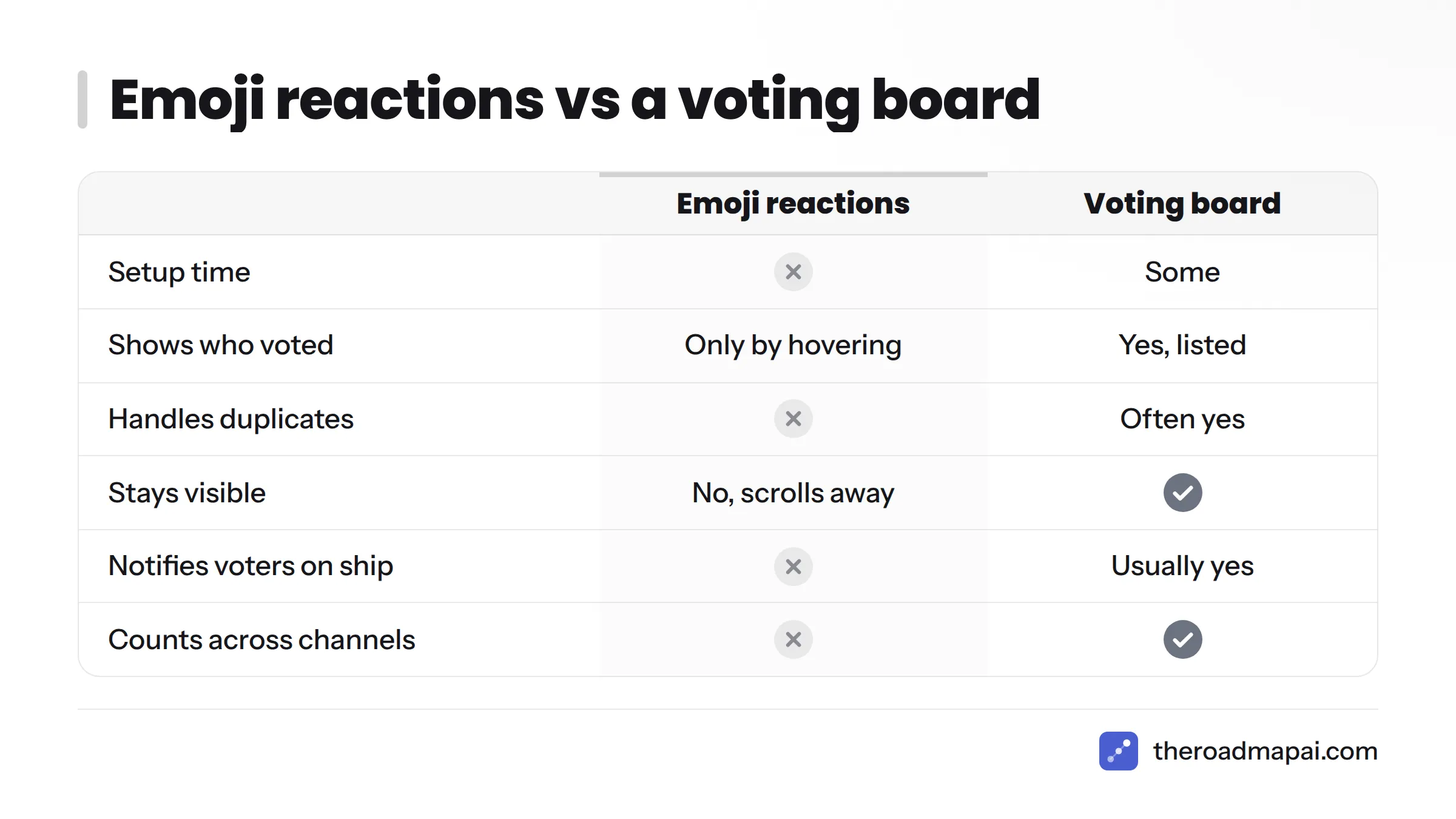
| Factor | Emoji reactions | Voting board |
|---|---|---|
| Setup time | None | Some |
| Identifies who voted | Only by hovering | Yes, listed |
| Handles duplicates | No | Often yes |
| Stays visible | No, scrolls away | Yes |
| Notifies voters on ship | No | Usually yes |
| Counts across channels | No | Yes |
My view: use reactions as a quick signal while a request is fresh, then copy the tally into the Votes field. Never treat the emoji count as your source of truth.
When Slack isn't enough: a decision tree
Slack makes a good intake surface and a poor system of record. The thresholds below are rules of thumb from experience, not measured benchmarks. Walk through the questions in order:
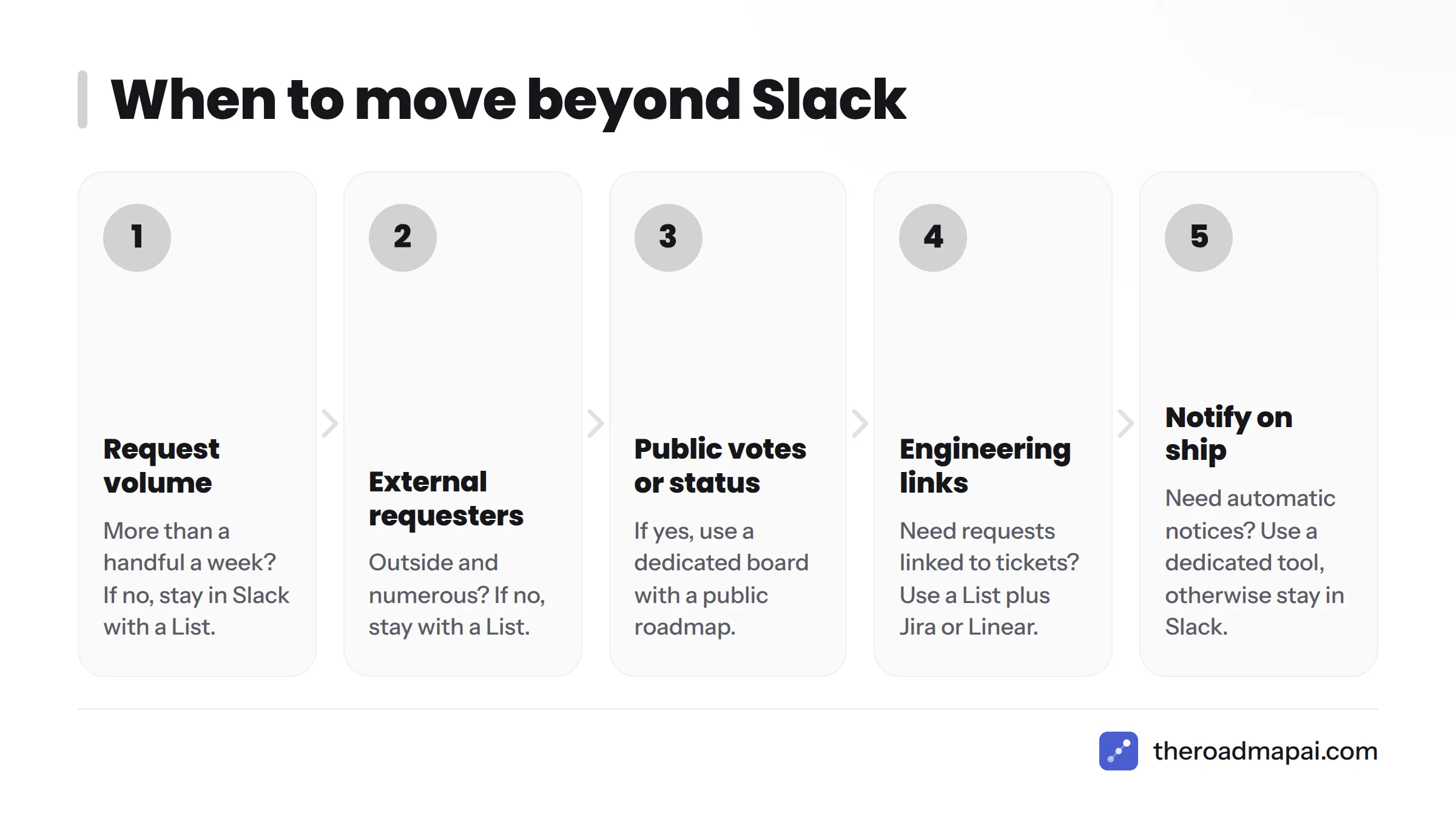
- Do you get more than a handful of new requests a week? If no, stay in Slack with a List. If yes, go to question 2.
- Are the requesters outside your company and numerous? If no, stay with a List. If yes, go to question 3.
- Do requesters need to vote or see status publicly? If yes, use a dedicated board with a public roadmap. If no, go to question 4.
- Do engineers need requests linked to tickets? If yes, use a List plus Jira or Linear. If no, go to question 5.
- Do you need to notify requesters automatically when something ships? If yes, use a dedicated tool. If no, stay in Slack.
That gives you three outcomes: stay in Slack, pair Lists with an issue tracker, or move to a dedicated board.
Feature request tracking tools compared
Here is how the common options stack up. RoadmapAI is listed first because it is our product, and the section after the table explains where it fits and where it does not.
| Option | Best for | Slack support | Dedupe | Voting | Public roadmap | Notify on ship |
|---|---|---|---|---|---|---|
| RoadmapAI | Discord-first communities | Coming soon (not available today) | AI-assisted | Yes | Yes | Yes |
| Slack Lists | Small internal teams | Native | Manual | Manual | No | Manual |
| Workflow Builder plus a spreadsheet | Quick, cheap intake | Native | Manual | Manual | No | Manual |
| Jira or Linear integrations | Linking requests to engineering | Integrations available | Manual | Limited | No | Limited |
| Canny, Upvoty, Productlane | Customer feedback boards | Varies by product; check each vendor | Varies | Yes | Yes | Yes |
Check each vendor's current documentation before you commit, since integrations change.
For engineering links, see the Slack integration docs from Atlassian and Linear. Both vendors document how to create and view tickets from Slack.
Slack vs Discord feature requests for community feedback
Slack is built for workplaces. Discord is built for communities. That split shapes how feedback arrives:
| Factor | Slack | Discord |
|---|---|---|
| Typical audience | Teams, shared customer channels | Public or large communities |
| Joining | Invite or workspace seat | Open invite link |
| Roles and moderation | Workspace roles | Server roles and bots |
| Best fit for | Internal and B2B customer feedback | Consumer, gaming, creator and open-source communities |
If your users already live in a Discord server, pushing them into Slack adds friction. A Discord feedback bot meets them where they are.
Where RoadmapAI fits
I will be direct. RoadmapAI is Discord-first today. Its Slack integration is coming soon and is not available yet, so do not plan around it. If your feedback comes from a Discord community, RoadmapAI can capture requests, let members vote, and publish a roadmap. If your feedback lives in Slack, use the native steps above and revisit RoadmapAI when the Slack integration launches. Plans and trial details are on the RoadmapAI pricing page.
How to submit a feature request to Slack itself
Here is the short answer. Use the feedback or contact options in Slack's Help Center and in-app help menu, or raise the idea with Slack support. Describe the problem, not just the solution, and expect no guaranteed reply or timeline.
Where to send it
Slack changes its support paths over time, so confirm the current options before you submit. Start at the Slack Help Center, where you can contact support and find feedback options. Slack's community spaces are worth a look for discussion too. I could not confirm a single official public voting board for Slack feature requests, so do not assume one exists. If you pay for Slack, your account team or admin contact is another route.
How to write a request that gets noticed
Vague asks ("make search better") go nowhere. Include:
- The problem. What are you trying to do?
- The context. Your plan, team size, and workflow.
- The workaround. What you do today.
- The frequency. How often it blocks you.
- Who is affected. Your team, or a wider group.
One clear paragraph beats three emotional ones.
What to expect
Slack may or may not reply, and it may not build what you ask for. Nobody outside Slack can promise a timeline, so be wary of anyone who does. Submit the request, keep a record, and plan a workaround in case the feature never arrives.
Connecting Slack requests to engineering and revenue
Once your List is stable, three upgrades pay off.
Link to Jira or Linear. Add a "Ticket" field to your List. When a request becomes Planned, create the ticket and paste its link. Both Jira and Linear offer Slack integrations, so engineers can see the context without leaving chat.
Weight by revenue. Add an "Account" field and score requests from your largest or most strategic customers higher. Treat this as one input among several. A request from a big account is not automatically a good idea.
Use Slack Connect for customers. Slack Connect lets you share a channel with another organization, and a shared customer channel can feed the same intake path. Keep internal triage in a private channel so customers never see raw scoring.
FAQ
What are Slack feature requests?
They are product ideas or change requests posted in Slack that need capturing, deduplicating, prioritizing, and answering. The phrase can also mean ideas you send to Slack itself.
How do I track feature requests in Slack?
Pick one intake channel, add a form or request emoji, log each item in a Slack List with fixed fields, merge duplicates, prioritize, and reply when the status changes.
How do I submit a feature request to Slack itself?
Use the feedback and contact options in Slack's Help Center or in-app help, describe the problem and your workaround, and expect no guaranteed reply or timeline.
Does Slack have an official feature request board?
I could not confirm a public voting board maintained by Slack. Check the Slack Help Center for the current feedback options.
Can I collect feature requests with a form in Slack?
Yes. Workflow Builder can present a form and post the answers to a channel or add them to a List.
What fields should a feature request tracker include?
At minimum: Request, Requester, Source link, Category, Votes, Impact, and Status.
Can emoji reactions work as votes?
They work as a quick signal, but they hide who voted, ignore duplicates, and scroll away. Copy the tally into a Votes field.
How do I prioritize Slack feature requests?
Use RICE (Reach × Impact × Confidence ÷ Effort) or a simple value vs effort grid, then override scores when strategy requires.
When should I move from Slack to a dedicated tool?
Move when volume grows, requesters are numerous and external, they need to vote or see status publicly, or you need automatic notification on ship.
Is there a Slack integration for RoadmapAI?
Not yet. RoadmapAI is Discord-first, and its Slack integration is listed as coming soon.
Should feature requests be public?
It depends on your audience. Public boards build trust with customers and communities. Internal teams often prefer private lists with scoring kept out of sight.
Next steps: one front door, one row, one owner
Slack is where requests start, but it should not be where they end. Give every request one front door, one row, one owner, and one status, then reply when the status changes. That habit alone separates teams people trust from teams people stop talking to.
Start small. Build the seven-field List this week, run your first 20-minute triage, and send your first "shipped" reply. When your volume outgrows Slack, or your community lives in Discord, look at feature request tools built for that job.
Sources
- Slack Lists: Collect and triage requests, Slack Help Center
- Guide to Slack Workflow Builder, Slack Help Center
- A guide to Slack Connect, Slack Help Center
- Slack Help Center
- Slack pricing, Slack
- RICE: Simple prioritization for product managers, Intercom
- Regulation (EU) 2016/679 (GDPR), EUR-Lex
- Jira, Atlassian
- Linear documentation, Linear
- RoadmapAI